
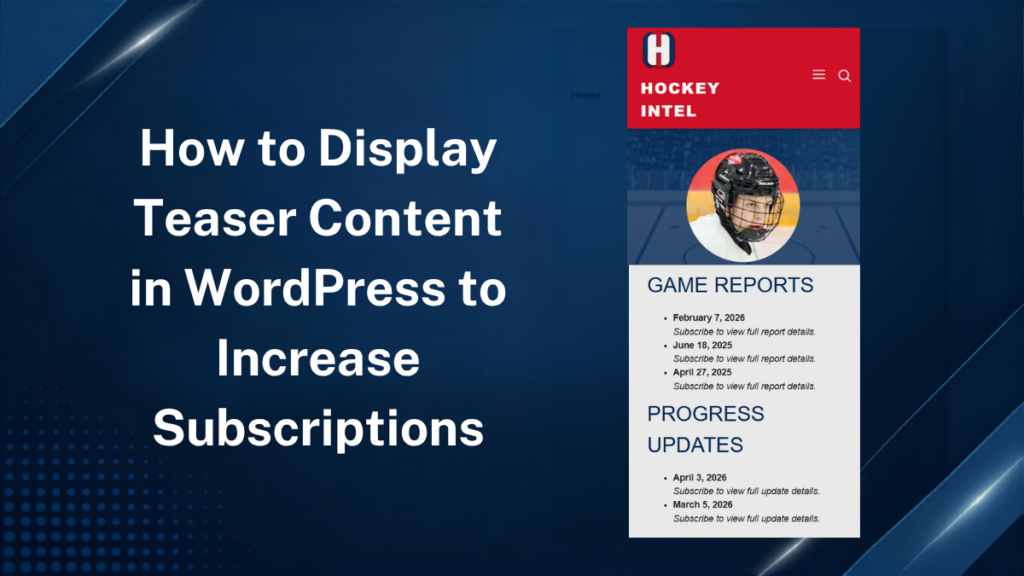
A successful membership site needs to give visitors enough of a sneak peek at high-value content to entice them to subscribe. Rather than placing every page behind a paywall with no preview of subscriber-only content, you can use a combination of MemberPress and Advanced Custom Fields Pro to provide visitors with compelling teaser information.
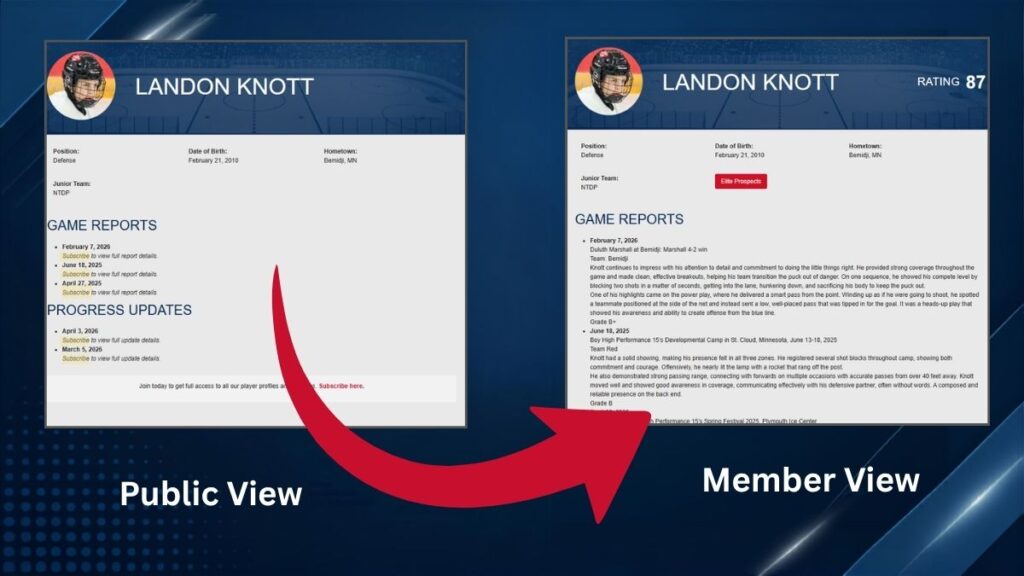
We successfully implemented this teaser system for Hockey Intel, a high-level hockey scouting website. The preview model allows visitors to see player profiles and access basic information, while reserving detailed scouting reports and in-depth analysis for members only. This approach creates a stronger first impression for new visitors, improves search engine visibility, and gives potential subscribers a clear understanding of the value they’ll receive before signing up.
Building Structured Player Profiles with ACF
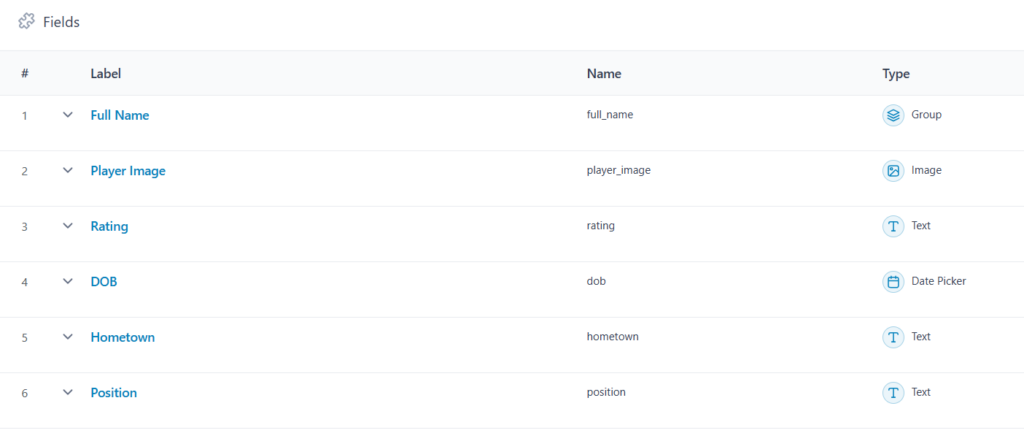
For Hockey Intel, I built a custom player profile system using Advanced Custom Fields (ACF) and MemberPress to create a balance between free content and subscriber-only analysis.
Player information such as names, photos, positions, scouting reports, and progress updates are managed through ACF, making it easy for the scouting editors to update profiles without modifying templates.
How to Hide Premium Content with MemberPress Functions
In the setup for Hockey Intel, MemberPress handles user authentication and subscription management, while a custom page template checks whether a visitor has an active membership before displaying premium content.
$has_access = $mepr_user->is_active_on_membership($monthly_membership_id) || $mepr_user->is_active_on_membership($yearly_membership_id);The $has_access variable is then used throughout the template to determine which content should be displayed to the visitor. Rather than hiding the entire player profile from the public, the template allows visitors to view basic player information and other non-premium content while restricting detailed scouting information to subscribers.
For example, game reports are stored in the $game_reports array and displayed using a foreach loop. The report date is displayed publicly, but the full report details are only shown when the visitor has an active membership:
<?php foreach ($game_reports as $report): ?>
  <li>
    <strong><?php echo esc_html(date('F j, Y', strtotime($report['gm-report-date']))); ?></strong><br>
    <?php if ($has_access): ?>
      <?php echo nl2br(esc_html($report['gm_report_details'])); ?>
    <?php else: ?>
      <em>Subscribe to view full report details.</em>
    <?php endif; ?>
  </li>
<?php endforeach; ?>
The foreach loop goes through each game report and creates a list item for it. The report date is displayed using date() and strtotime(), allowing public visitors to see when each report was created.
The if ($has_access) statement then determines whether the visitor can see the full report. If the visitor has an active monthly or yearly MemberPress membership, the complete game report details are displayed. If they are not subscribed, the report details are replaced with a subscription message.
This approach creates the teaser content visitors can see that game reports exist and when they were published, but the valuable scouting analysis remains behind the membership paywall. This provides publicly accessible content for search engines and visitors while giving users an incentive to subscribe to access the full reports.
Conclusion
This approach creates a better user experience than a traditional paywall by allowing visitors to preview valuable content before being prompted to subscribe. The same pattern can be applied to blogs, online courses, or any WordPress site that wants to combine structured content with membership-based access.